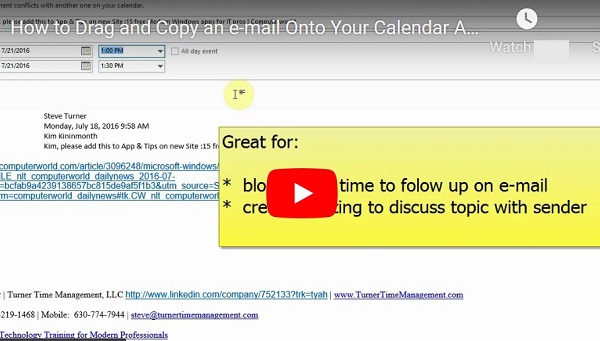
How to Drag and Copy an e-mail Onto Your Calendar As Appointment (Outlook)
You can drag an email onto your calendar to create an appointment. This will allow you to set a reminder to follow-up on the e-mail.

Calendar/Task Management
You can drag an email onto your calendar to create an appointment. This will allow you to set a reminder to follow-up on the e-mail.
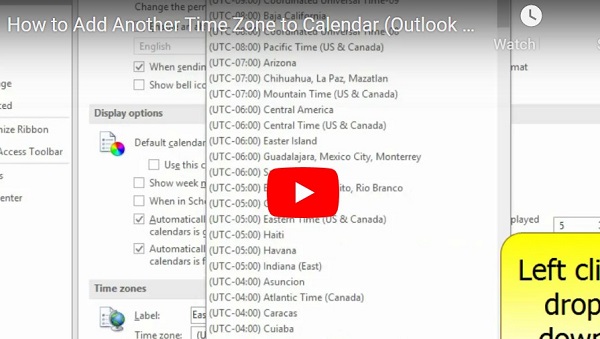
You can add a second time zone to your calendar to help you schedule appointments with people in other parts of the country. For example, if your office is located in California, and you work with a customer that is…
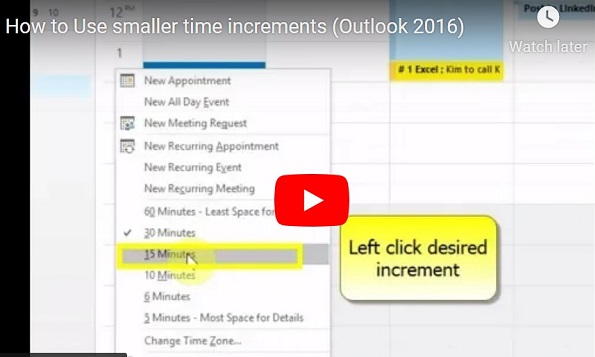
If you find that you are scheduling more meetings, and meetings of a shorter length (i.e. 15 minutes), you may want to change the time increments used in your calendar. This will allow you to see all the meetings on…
When creating a Meeting Request in Outlook, or on your iPhone/Android, you will want to enter all the conference call information in the “Location” line of the Meeting. This will allow callers to have the number auto-dial by tapping on…
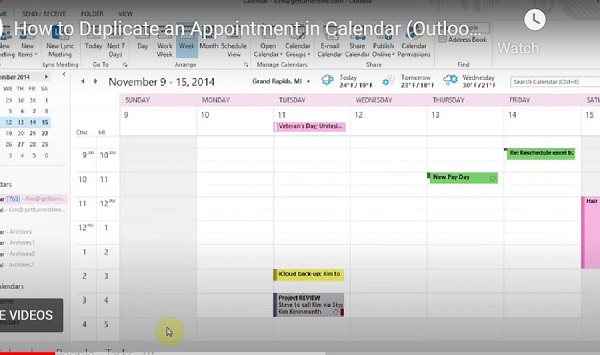
If you have an appointment on your calendar and you would like to copy it to additional dates and/or times, follow the steps listed below.