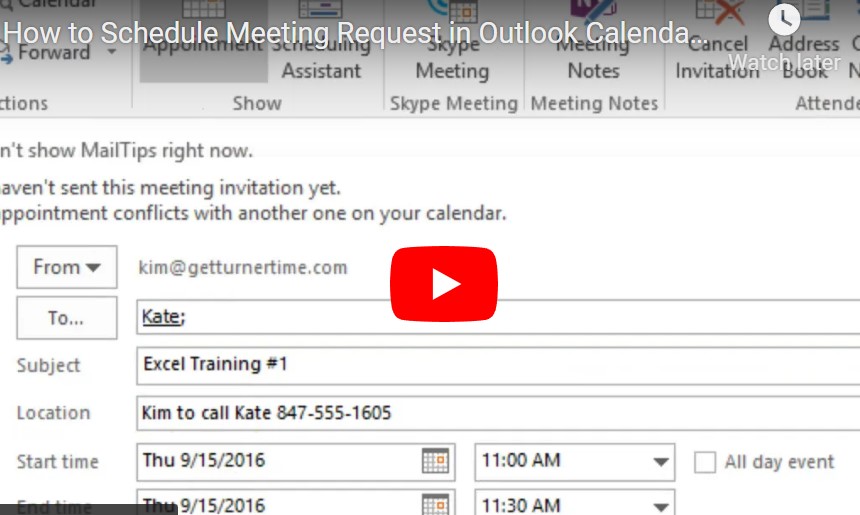
How to Schedule Meeting Request in Outlook Calendar (on Windows)
In this tutorial, we will show you how to create a Meeting Request, check attendees’ availability, and schedule a recurring appointment.

In this tutorial, we will show you how to create a Meeting Request, check attendees’ availability, and schedule a recurring appointment.
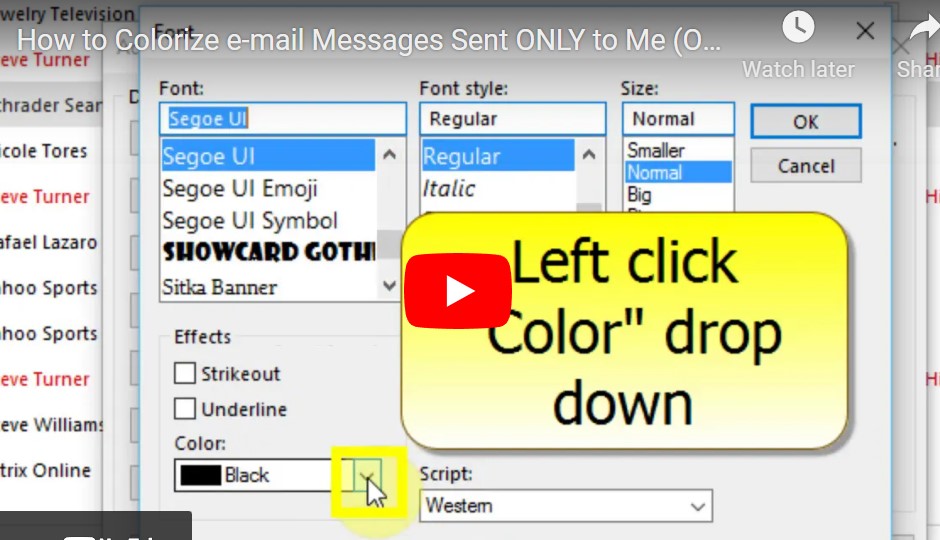
If you would like to see messages sent only to you (not any other recipients), in a different color, you can use “Conditional Formatting” in Outlook to accomplish this.
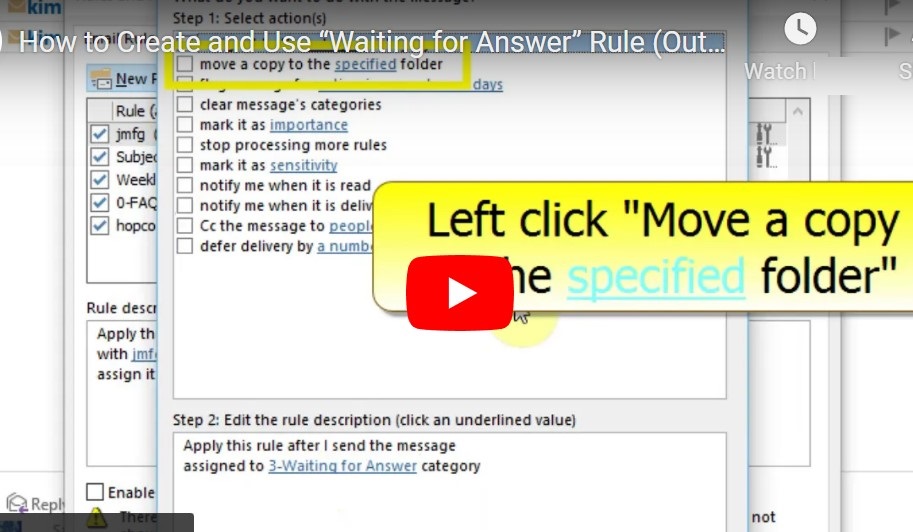
If you would like to keep track of e-mails you send that you are waiting for an answer on, you can create a rule in Classic Outlook. This rule will allow you to assign a category to the e-mail before…
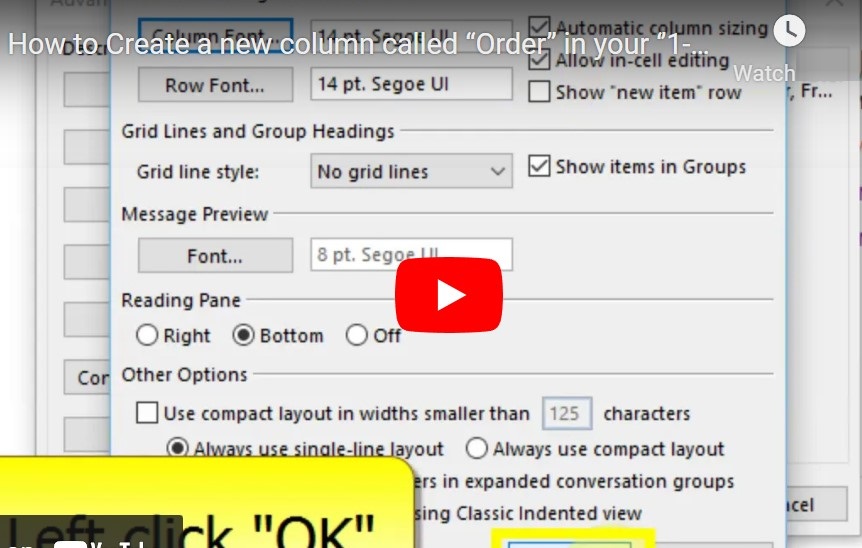
In order to prioritize e-mails in your “Actions to Complete” folder, you can add a column, insert a priority number for each e-mail, and then sort the folder by priority.
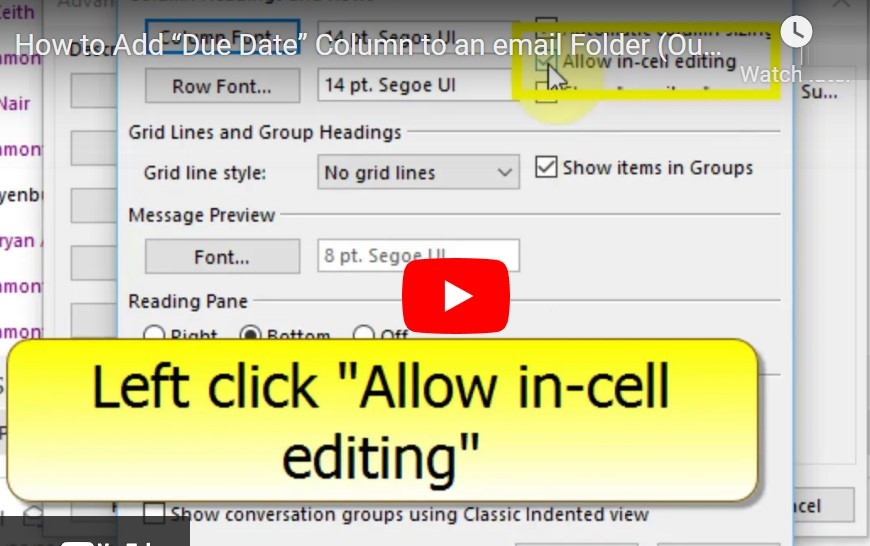
Keep track of important tasks and deadlines using this new column. NOTE: You will have to add the column in each folder separately, i.e. #1, Inbox, Waiting for Answer, etc.). Also, this does NOT automatically put any e-mail on your…