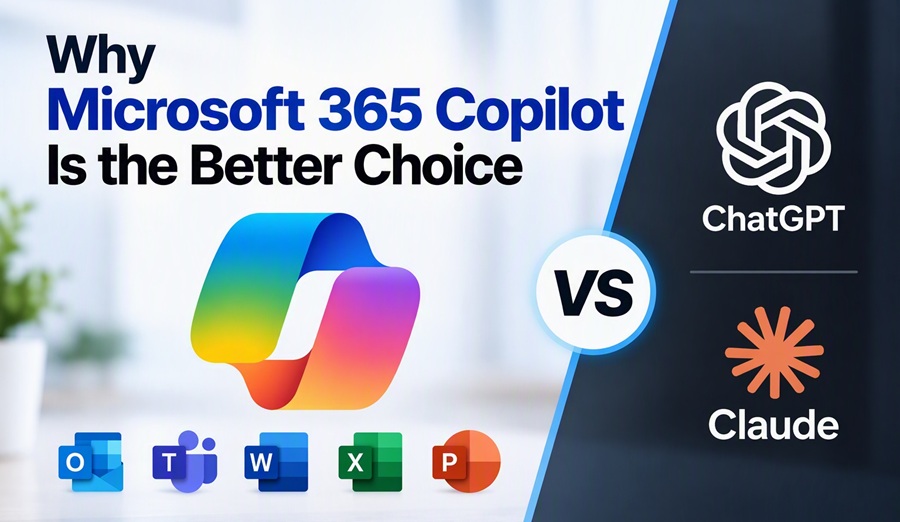
Why Microsoft 365 Copilot Is the Better Choice for Microsoft-Centric Organizations
Artificial intelligence has quickly become a standard business tool. Organizations are using AI to draft emails, summarize documents, create presentations, analyze data, and automate routine work.
When evaluating AI assistants, three names typically dominate the conversation:
- Microsoft 365 Copilot
- ChatGPT
- Claude
All three are capable AI platforms. However, for organizations that already rely heavily on Microsoft 365, Microsoft 365 Copilot offers advantages that go far beyond the underlying AI model.
The real differentiator is not the chatbot. It is the combination of integration, organizational context, and enterprise-grade data protection.
1. Copilot Lives Inside the Tools Employees Already Use
Most employees spend their day working in:
- Outlook
- Teams
- Word
- Excel
- PowerPoint
- OneDrive
- SharePoint
Microsoft 365 Copilot is built directly into these applications, allowing users to interact with AI without switching platforms. Microsoft states that Copilot works across Word, Excel, PowerPoint, Outlook, Teams, SharePoint, OneDrive, Planner, Loop, OneNote, and other Microsoft 365 services.
This creates a significantly different experience than opening a separate AI website and manually copying information between systems.
For example, users can:
- Draft and refine documents in Word
- Summarize meetings in Teams
- Analyze spreadsheets in Excel
- Generate presentations from existing content in PowerPoint
- Prioritize and summarize emails in Outlook
Because the AI is embedded directly into day-to-day workflows, the productivity gains are often more immediate and sustainable.
2. Copilot Understands Your Work Context
One of the biggest limitations of standalone AI tools is that they often know nothing about your organization unless information is manually provided.
Microsoft 365 Copilot is different.
Copilot uses Microsoft Graph and organizational data to provide responses grounded in a user’s work environment, including emails, meetings, chats, documents, calendars, and files that the user already has permission to access.
Imagine asking: “Summarize everything related to the Toronto sales project from the past two weeks.”
Instead of requiring you to upload documents or explain the project, Copilot can draw on relevant Teams conversations, Outlook emails, meeting notes, SharePoint documents, and OneDrive files that you are authorized to access.
This organizational context is often the difference between generic AI output and truly useful business assistance.
3. Better Data Richness Means Better Answers
AI quality depends heavily on context.
A standalone AI tool may generate excellent content, but it only knows what you provide in the prompt.
Microsoft 365 Copilot can be grounded in:
- Outlook emails
- Teams chats
- Calendar events
- Meeting transcripts
- Word documents
- PowerPoint presentations
- SharePoint content
- OneDrive files
This access to business context improves relevance and personalization while helping users avoid manually gathering information from multiple sources.
The result is often faster decision-making and more accurate outputs.
4. Enterprise Security and Data Protection Matter
Many organizations hesitate to adopt AI because of concerns about security, privacy, compliance, and data leakage.
Microsoft has positioned Copilot as an enterprise-grade service operating within the Microsoft 365 security boundary. Customer data remains protected by existing Microsoft 365 security, compliance, and privacy controls. Copilot only accesses information users are already authorized to view.
Microsoft also states that:
- Prompts and responses are not used to train foundation models.
- Existing permissions, retention policies, and sensitivity labels are respected.
- Enterprise data protection extends to Copilot interactions.
- Organizations maintain governance and compliance oversight.
For industries with strict compliance requirements, these protections can be a significant factor when evaluating AI platforms.
5. Reduced Friction Means Greater Adoption
Technology only creates value when employees actually use it.
One challenge organizations face with standalone AI platforms is that users must:
- Open another application.
- Find required information.
- Copy content into the AI tool.
- Review the output.
- Copy results back into their business applications.
Microsoft 365 Copilot reduces much of this friction by embedding AI directly into existing workflows.
This often leads to higher adoption rates because the tool becomes a natural extension of work rather than another application employees must remember to use.
Does This Mean ChatGPT and Claude Are Inferior?
Not at all.
ChatGPT and Claude are excellent AI platforms and remain strong choices for many scenarios, including:
- Research
- Brainstorming
- Content creation
- Coding assistance
- General-purpose AI use
In fact, many professionals use multiple AI tools depending on the task.
However, when the primary objective is improving productivity inside a Microsoft 365 environment, Microsoft 365 Copilot has a unique advantage because it understands organizational context and operates inside the systems employees already use every day.
Final Thoughts
The AI race is often framed as a battle between models.
For businesses, that may be the wrong comparison.
The real question is not which chatbot is smartest. The real question is which AI can work most effectively within your organization’s existing processes, data, and security framework.
For organizations that rely on Microsoft 365, Microsoft 365 Copilot’s deep integration, access to organizational context, and enterprise-grade data protection make it a compelling choice. While ChatGPT and Claude remain powerful AI assistants, Microsoft 365 Copilot is uniquely positioned to help employees work with the information they already use every day.
In many cases, that context is worth more than a better prompt.