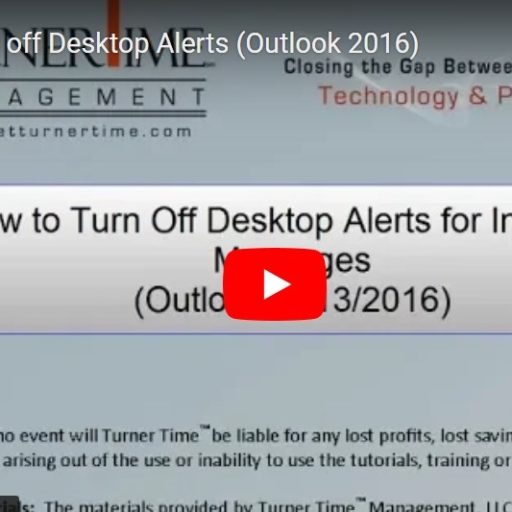
How to Turn off Desktop Alerts (Outlook)
In order to minimize interruptions during your day, it is a good idea to turn off most of the Desktop alerts that are set by default in Outlook.
In order to minimize interruptions during your day, it is a good idea to turn off most of the Desktop alerts that are set by default in Outlook.
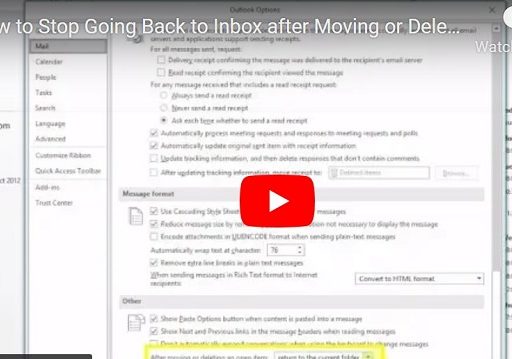
The default setting in Outlook is to return to the inbox after you handle an e-mail (i.e. move it to a folder or delete). You can change the settings to make it easier to get through all the items in…
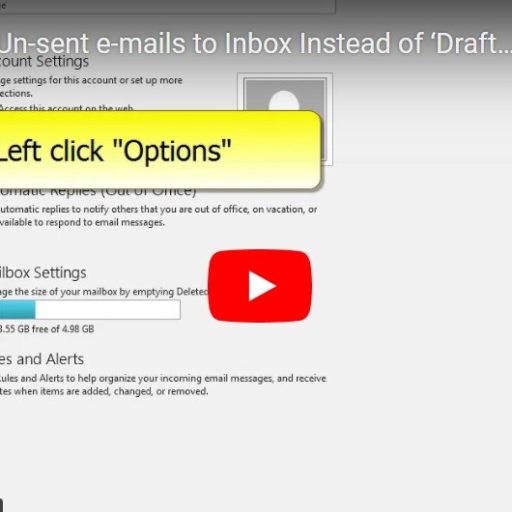
You can change where Outlook saves drafts of your unsent e-mail messages. By default Outlook will save the messages in the ‘Drafts’ folder. For me its “out of sight, out of mind”, and I frequently forget I have saved a…
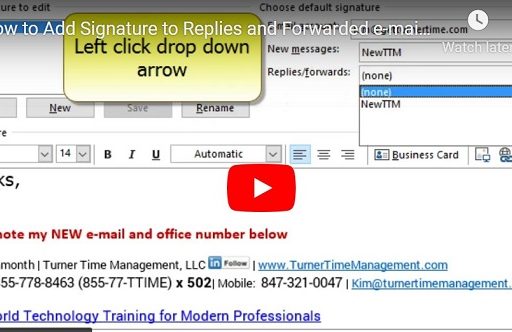
When you create a new auto signature for e-mails in Outlook, you will need to change a setting so that it gets sent out on all e-mails you reply to or forward.
If you send a document (or other file type) via e-mail directly from a program (Word, Excel, etc.) Outlook will automatically open a new e-mail with the document attached. Even if you have Auto-Signature turned on, the new e-mail will…